· 5 min read
I run my whole Mac off an external SSD — and 300 lines of bash keep it from breaking when I unplug it
Offline mode for your external drive: when the cable slips, your folders fail over to a real local copy and merge back when the drive returns — without ever overwriting a file.
 Pritam Sharma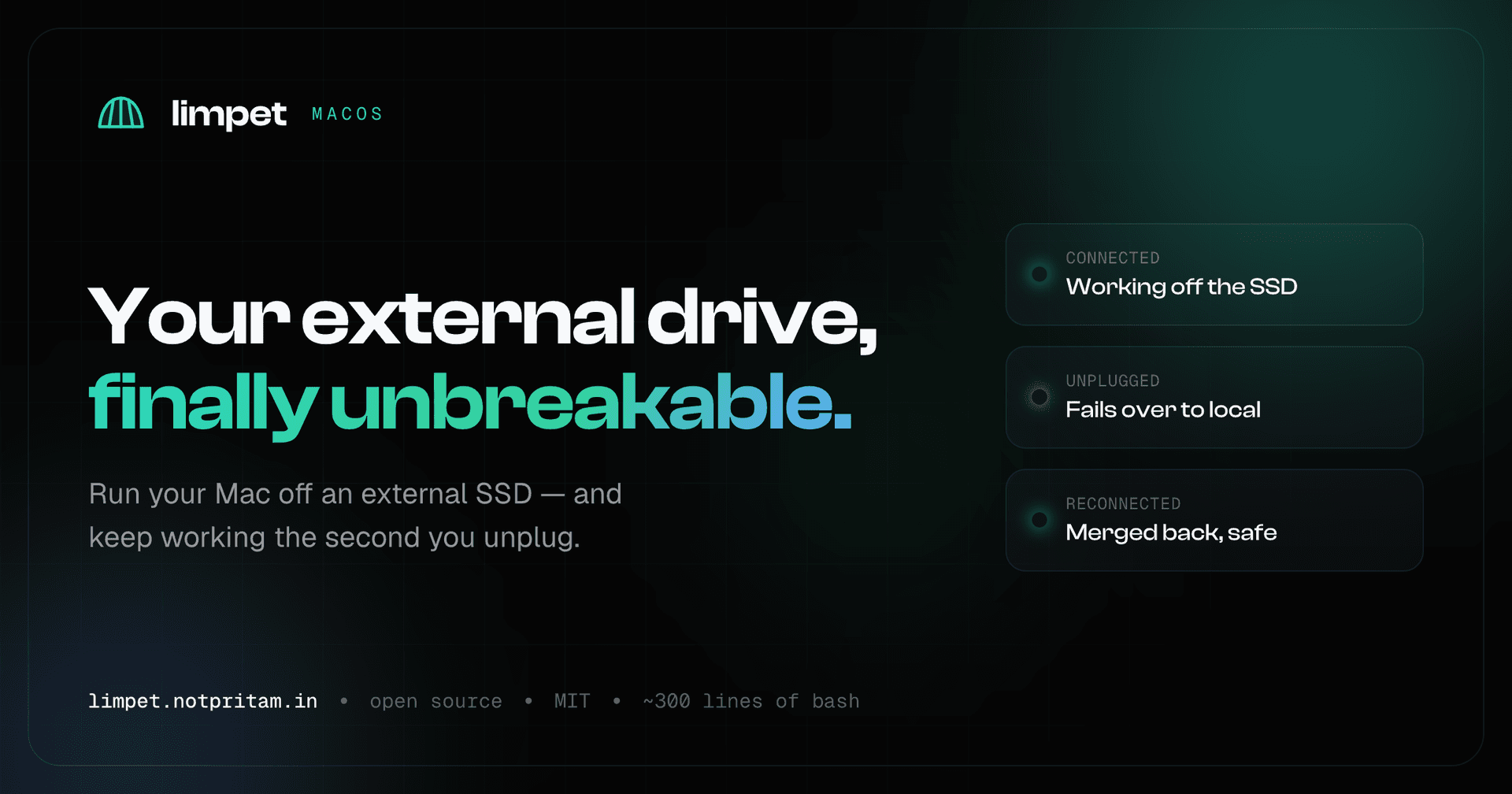
title: "I run my whole Mac off an external SSD — and 300 lines of bash keep it from breaking when I unplug it" subtitle: "Offline mode for your external drive: when the cable slips, your folders fail over to a real local copy and merge back when the drive returns — without ever overwriting a file." date: 2026-07-01T08:07:05.853Z url: https://blog.notpritam.in/i-run-my-whole-mac-off-an-external-ssd-and-300-lines-of-bash-keep-it-from-breaking-when-i-unplug-it tags: [bash, macos, tools]#
I run my whole Mac off an external SSD — and 300 lines of bash keep it from breaking when I unplug it#
I bought the MacBook with the storage tier you pick when the next one up costs about the same as a weekend away. 256 GB. Xcode, a few node_modules, a couple of Docker images, and a year of screen recordings later, I was living inside that little "Startup Disk Almost Full" banner.
The upgrade math never worked. Another 256 GB from Apple was more than an entire 2 TB external SSD that fits in a coin pocket. So I did the obvious thing: I moved Documents, Downloads, Desktop, and all my project folders onto the external drive and left symlinks behind.
For about a week, it was perfect. Full speed, tons of room, nothing to think about.
Then the cable slipped.
The trap nobody warns you about#
Here's the thing about a symlink: it's a signpost, not a container. It points at /Volumes/X9/Documents and trusts that address to always be there.
Unplug the drive — or just nudge the cable, or let the Mac sleep and wake wrong — and that signpost now points at nothing. And macOS handles "nothing" spectacularly badly:
-
Saves fail. Apps throw "the file couldn't be opened" mid-edit.
-
Your Desktop and Documents look empty, which is a small heart attack every time.
-
Worst of all: a reboot while the drive is gone can silently recreate empty local folders. Now you've got files in two places and no idea which is real.
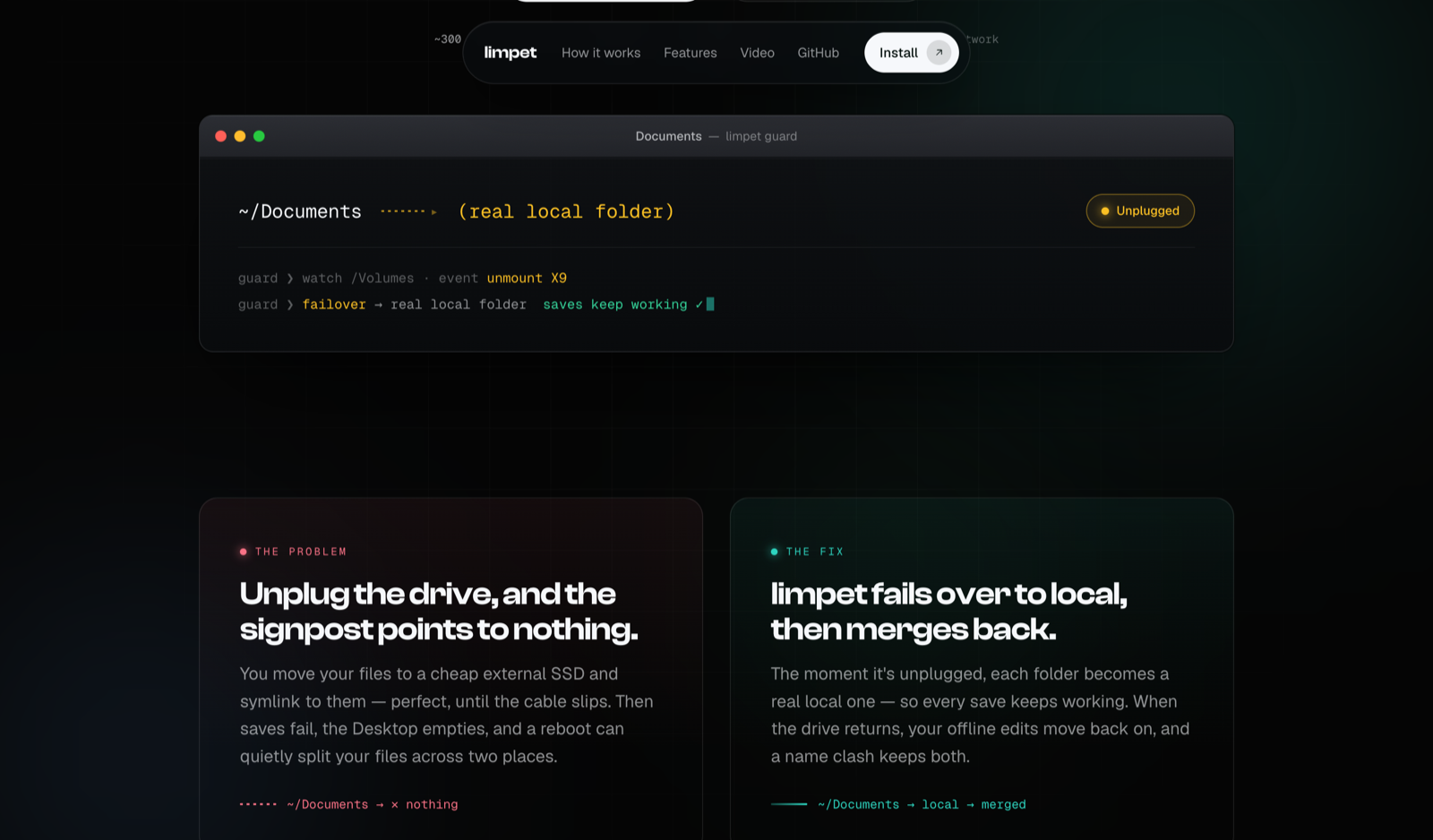
Windows has had Offline Files for this exact situation for two decades — work while disconnected, sync when you reconnect. macOS has nothing equivalent for external volumes. So your real options are: babysit the cable and never let it move, or give up and cram everything back onto the internal disk.
I didn't like either. So I wrote the missing piece.
limpet: offline mode for your external drive#
A limpet is the little mollusk that clamps tight to its rock, but detaches and re-attaches cleanly with the tide.
That's the whole idea. Your folders cling to the external drive, but they survive every unplug and re-attach themselves the moment the drive comes back.
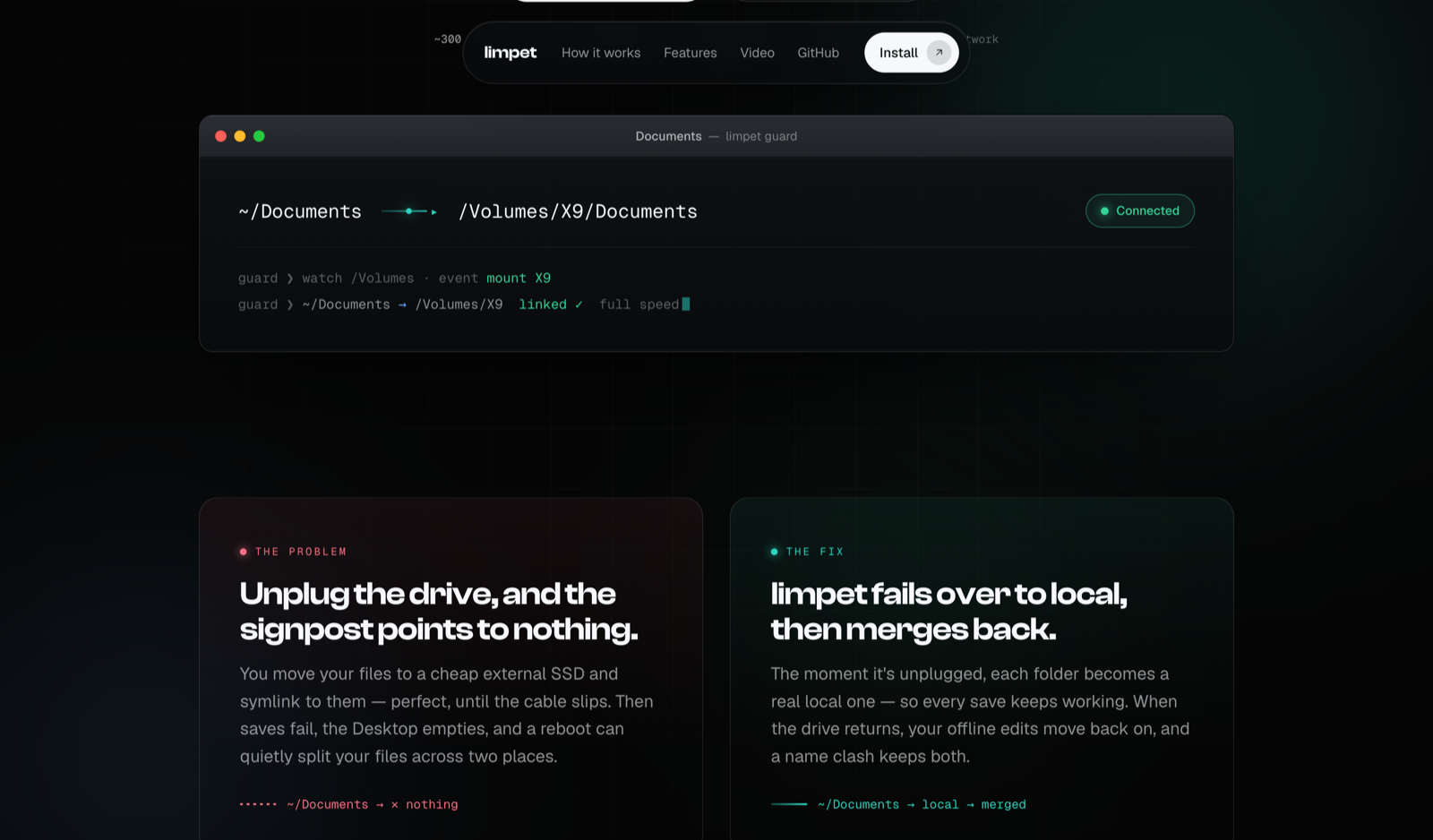
There are exactly three states, and limpet moves you between them automatically:
-
Connected → your folders are symlinks straight to the drive. Zero overhead, full speed, exactly like before.
-
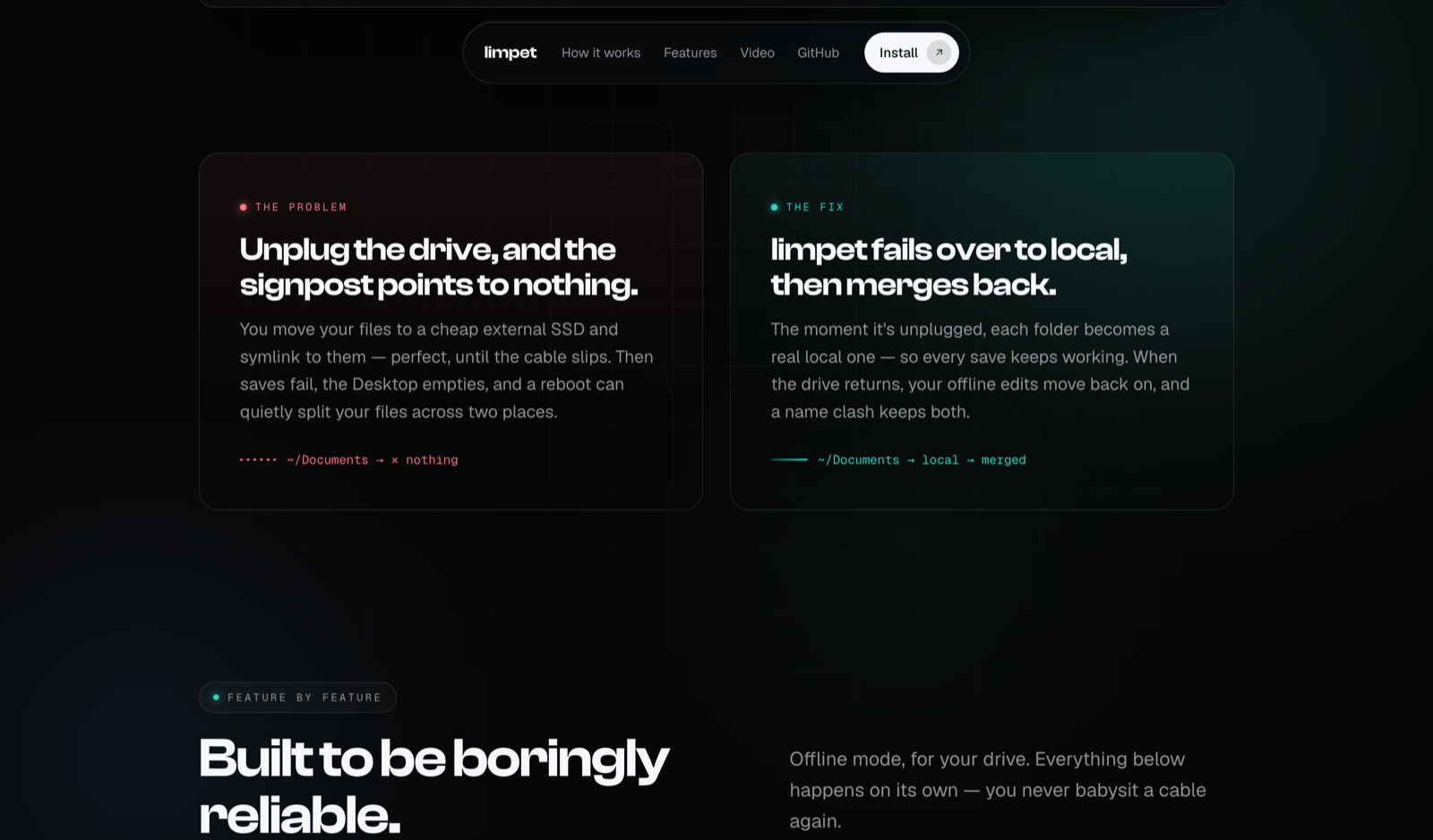
Unplugged → within about a second, limpet turns each folder back into a real local folder so every save keeps working. No errors, no empty Desktop.
-
Reconnected → limpet moves whatever you created while offline back onto the drive, and on any name clash it keeps both copies. It never overwrites.
It's a single file. Pure bash. No kernel extensions, no daemons you have to trust, no network calls. About 300 lines you can read over one coffee.
How it actually works#
Two small, cooperating pieces — that's the entire tool.
1. The guard — instant failover#
A launchd agent watches /Volumes with WatchPaths. macOS fires it the instant any drive mounts or unmounts, so limpet reacts to a plug or unplug within a second:
-
drive gone → the symlinked folder becomes a real local folder (saves keep working),
-
drive back → it becomes a symlink again, after merging anything you saved while offline.
The guard only stats the mountpoint and does local symlink swaps, so it needs no Full Disk Access. Nothing scary in the permissions dialog.
2. The terminal hook — finishes the job#
macOS security (TCC) blocks background agents from writing to external volumes. So the part that copies your offline work back onto the drive runs from your terminal instead — which macOS allows — via a tiny, throttled hook in your shell rc. A mkdir-based lock means the two pieces never collide.
That's it. No magic, no kext, nothing you can't audit yourself.
Watch it fail over#
Here's the whole thing in ~30 seconds — connected, unplugged mid-work, and merged back on reconnect:
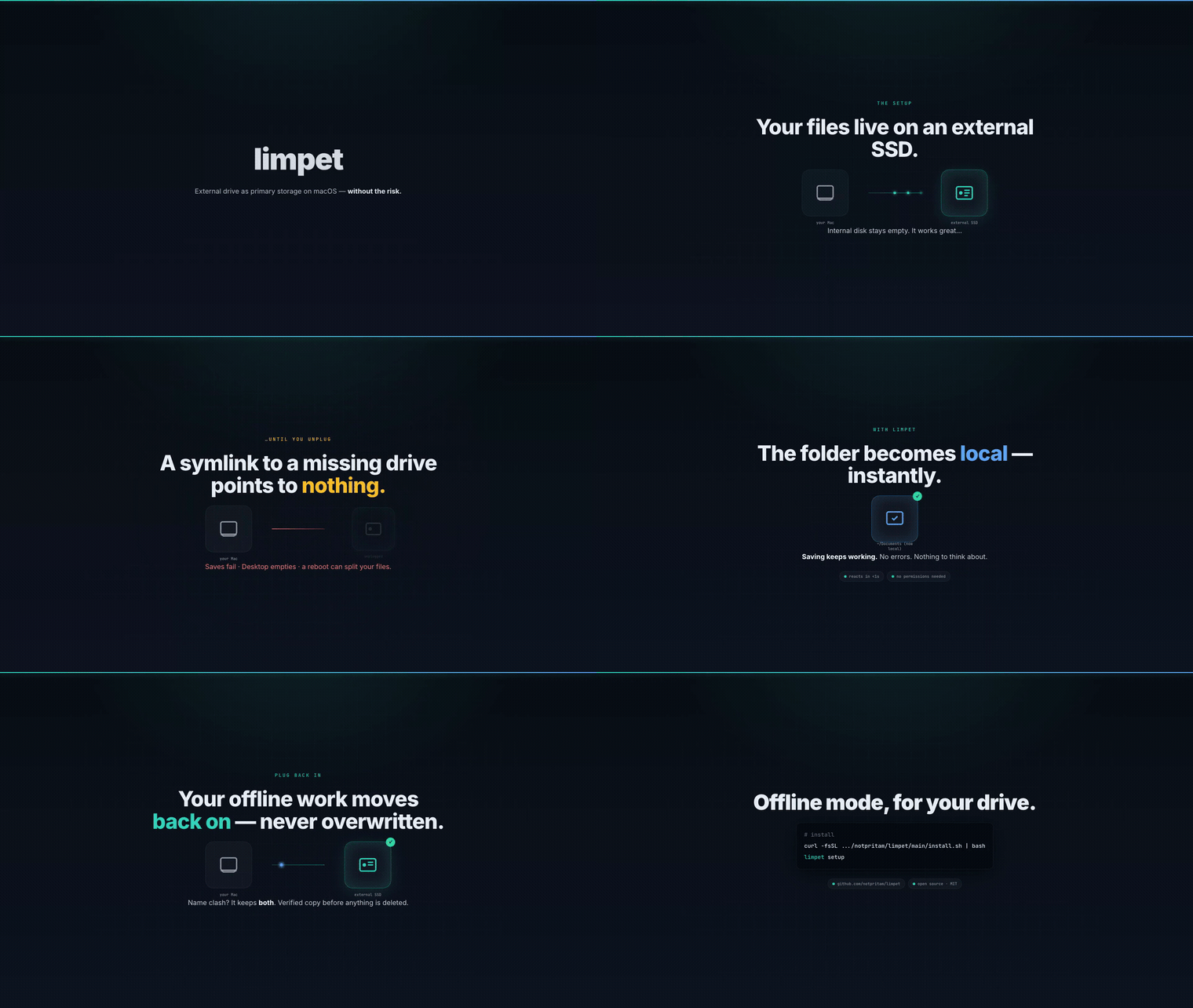
Prefer the crisp version? Watch the MP4 or the live animated page.
Try it#
Install is a single line:
curl -fsSL https://raw.githubusercontent.com/notpritam/limpet/main/install.sh | bashThen set it up — it's an interactive wizard that lets you pick the drive and the folders:
limpet setup      # pick a drive, pick folders
limpet status     # check state anytime
limpet setup moves the folders you choose onto the drive (a verified ditto copy first — it byte-checks a manifest of every file before it removes anything), replaces them with symlinks, and installs the guard plus the terminal hook.
Prefer not to pipe to bash? Clone the repo and run ./install.sh, or just drop the single limpet file anywhere on your PATH.
A few commands worth knowing#
| Command | What it does |
|---|---|
limpet setup | Interactive wizard: pick a drive + folders, move them over, install the guard. |
limpet status | Drive + folder state. --json for scripts. |
limpet link <path> | Move any extra file/folder onto the drive and symlink it back. |
limpet doctor | Health-check and offer fixes (agent loaded? drive renamed?). |
limpet sync | Run the failover / failback + mirror right now. |
limpet uninstall | Remove the guard + hook (optionally restore folders to local). |
You're not limited to the big three folders — limpet link ~/Dev or limpet link ~/Movies/4k.mov points anything at the drive. And it's built so an AI agent or script can drive it non-interactively too:
limpet setup --drive /Volumes/X9 --folders Documents,Downloads,Desktop --yesThe safety rules I refused to compromise on#
Storage tools earn trust by what they won't do:
-
Verified copy before delete. Moving a folder onto the drive does a
dittocopy, then byte-verifies every file against a manifest before removing the original. If verification fails, your original is left untouched. -
Never overwrites. On reconnect, a file that exists in both places is kept as
name.local-<timestamp>. You never silently lose a version. -
No elevation, no extensions, no network (beyond an optional once-a-day update check). It's bash you can read.
-
It is not a backup. limpet keeps your data available and resilient to unplugs — it is not a substitute for Time Machine or an offsite backup. Keep one anyway.
Why open source, and what's next#
I built this for myself, but "rich enough for the Mac, not rich enough for the 2 TB upgrade" turns out to be a very common place to be. So it's MIT, it's one readable file, and it has a real end-to-end test (test/test-guard.sh) that actually symlinks, unplugs, edits offline, replugs, and asserts the merge-back — no mocks.
-
Site: limpet.notpritam.in
-
Launch video: limpet.notpritam.in/launch.html
If you've ever watched your Desktop go empty because a cable moved half a millimeter — this one's for you. Kick the tires, open an issue, and tell me what breaks.
Built on macOS, in pure bash, with zero dependencies.
More writing
Bookmarks forget why you saved them. So I built FoundKeep.
A private library for pages, screenshots, highlights and threads that keeps the source attached, and lets an AI agent read it but never delete it.
 Pritam Sharma
Stop asking people to reproduce the bug. Record it once, then let an agent investigate.
Bug Dossier captures replay, network bodies, console, app state and even httpOnly cookies into one filed report, and exposes all of it to AI agents over MCP.
Pritam Sharma